Task 1: Azure Portal Lab Access
Lab Environment
This lab is configured to allow each student to have their own training lab environment using pre-created Azure resource groups all in one shared Azure Subscription.
Azure Portal Lab Access
First log in to the Azure Portal, next access to the lab environment.
To access the Azure Portal sign-in page
Open a browser and access the following URL:
Use the credentials shared with you by your instructors or the credentials received via email.
Username: “fgtXX@fortinetcloud.onmicrosoft.com”
Enter Temporary Access Pass
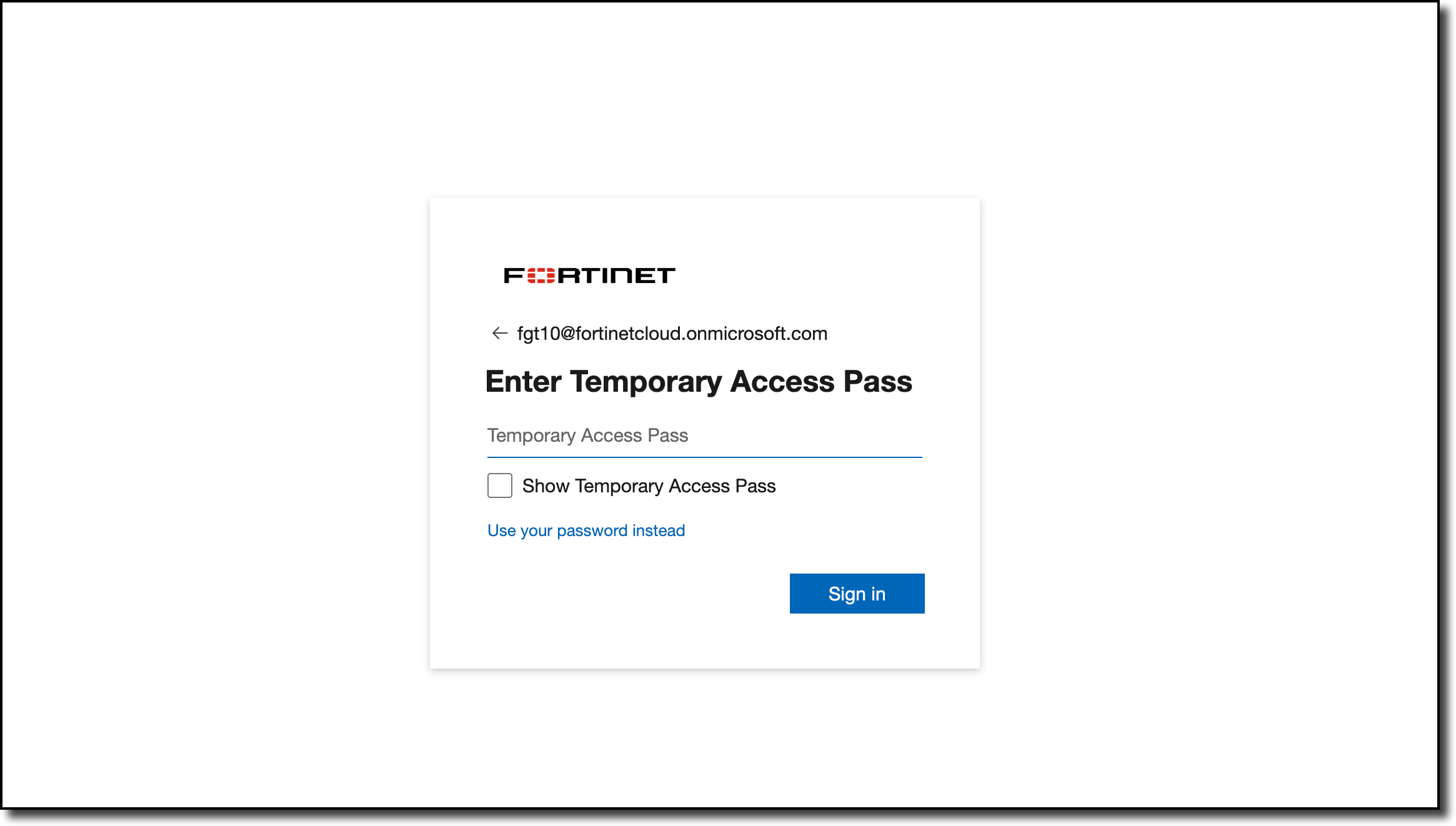
Click Sign in.
Click Yes on the ‘Stay signed in?’ prompt
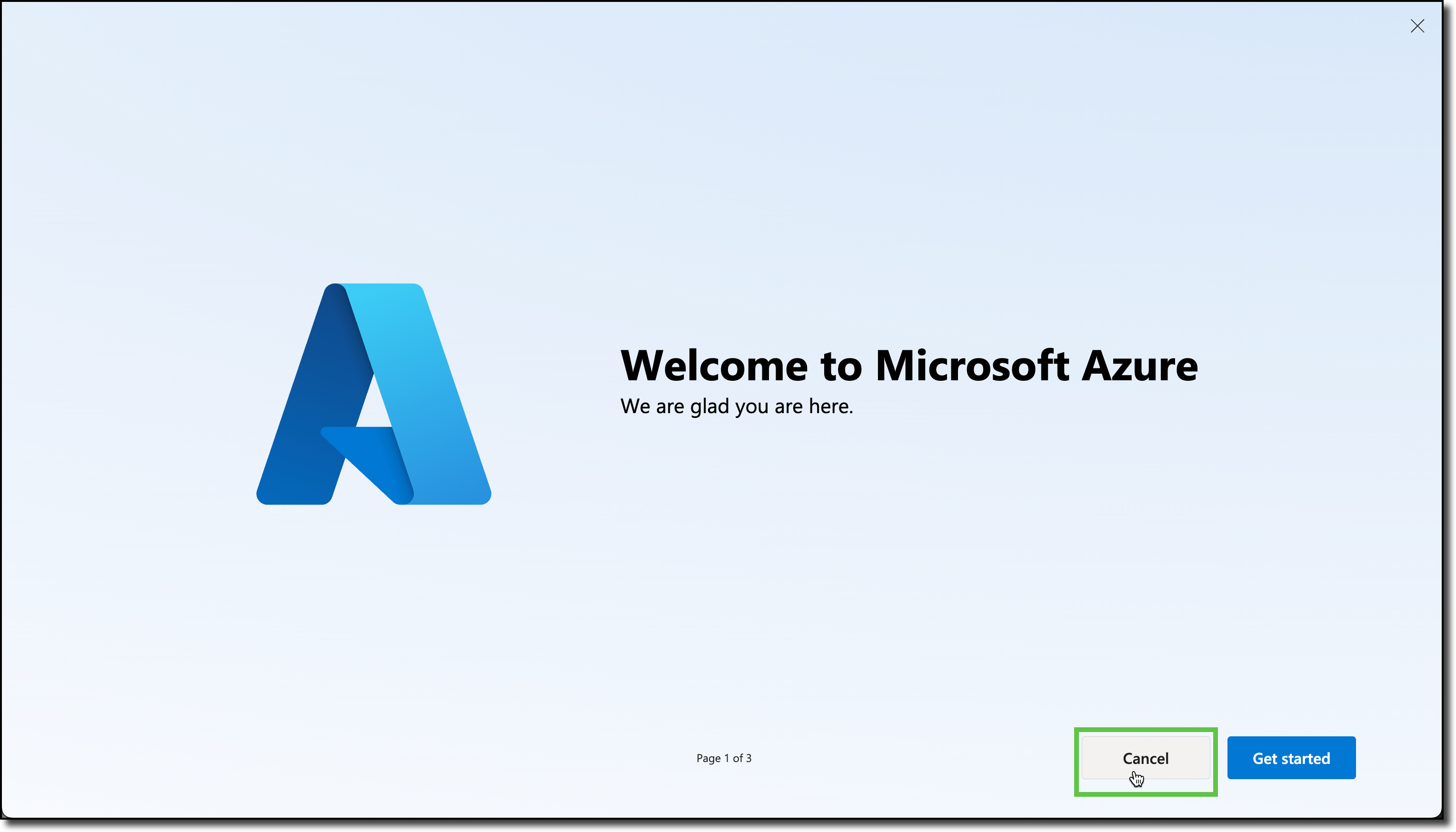
Click Cancel on the ‘Welcome to Microsoft Azure’ page.
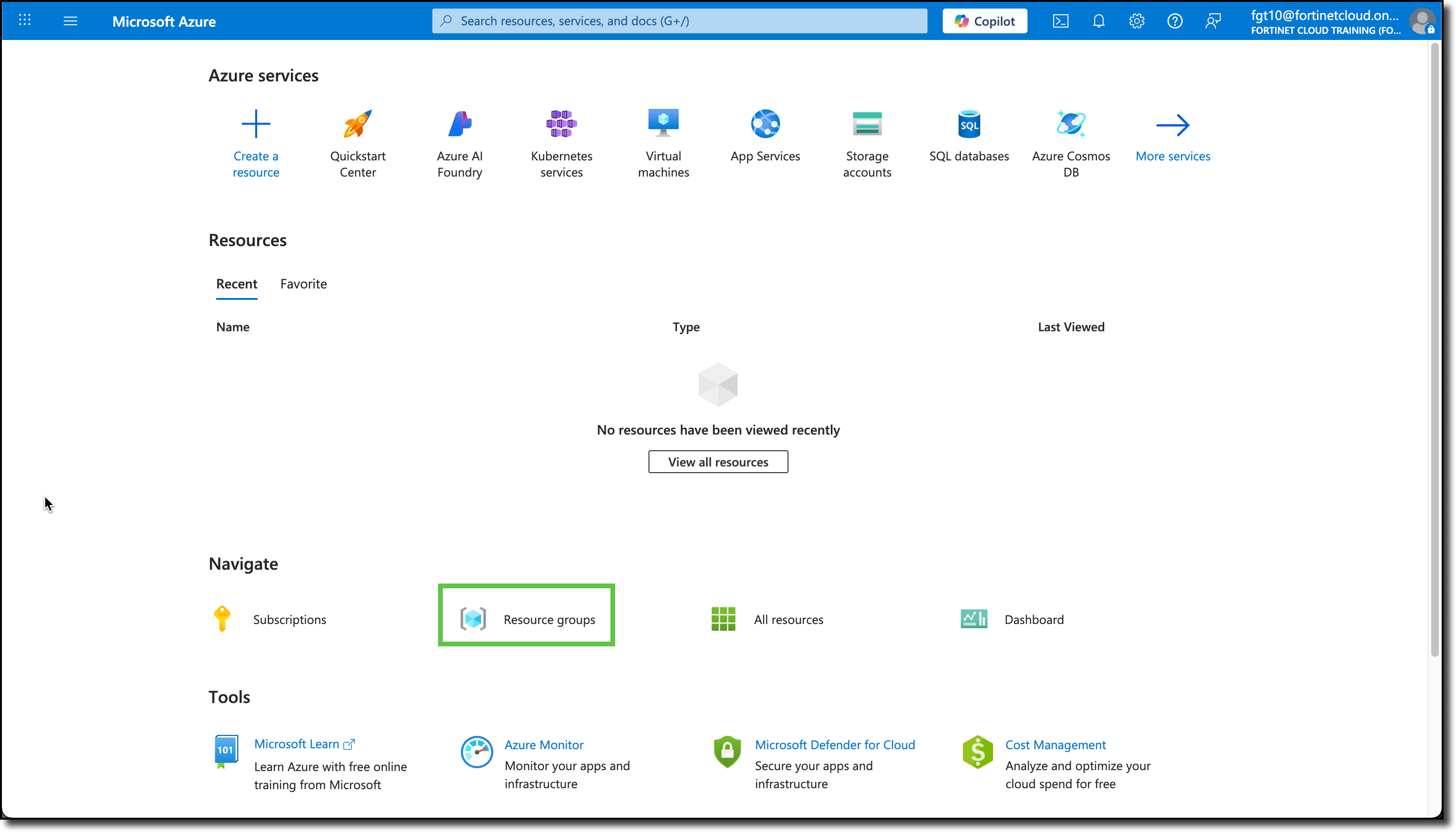
Click on Resource Groups in the main page.
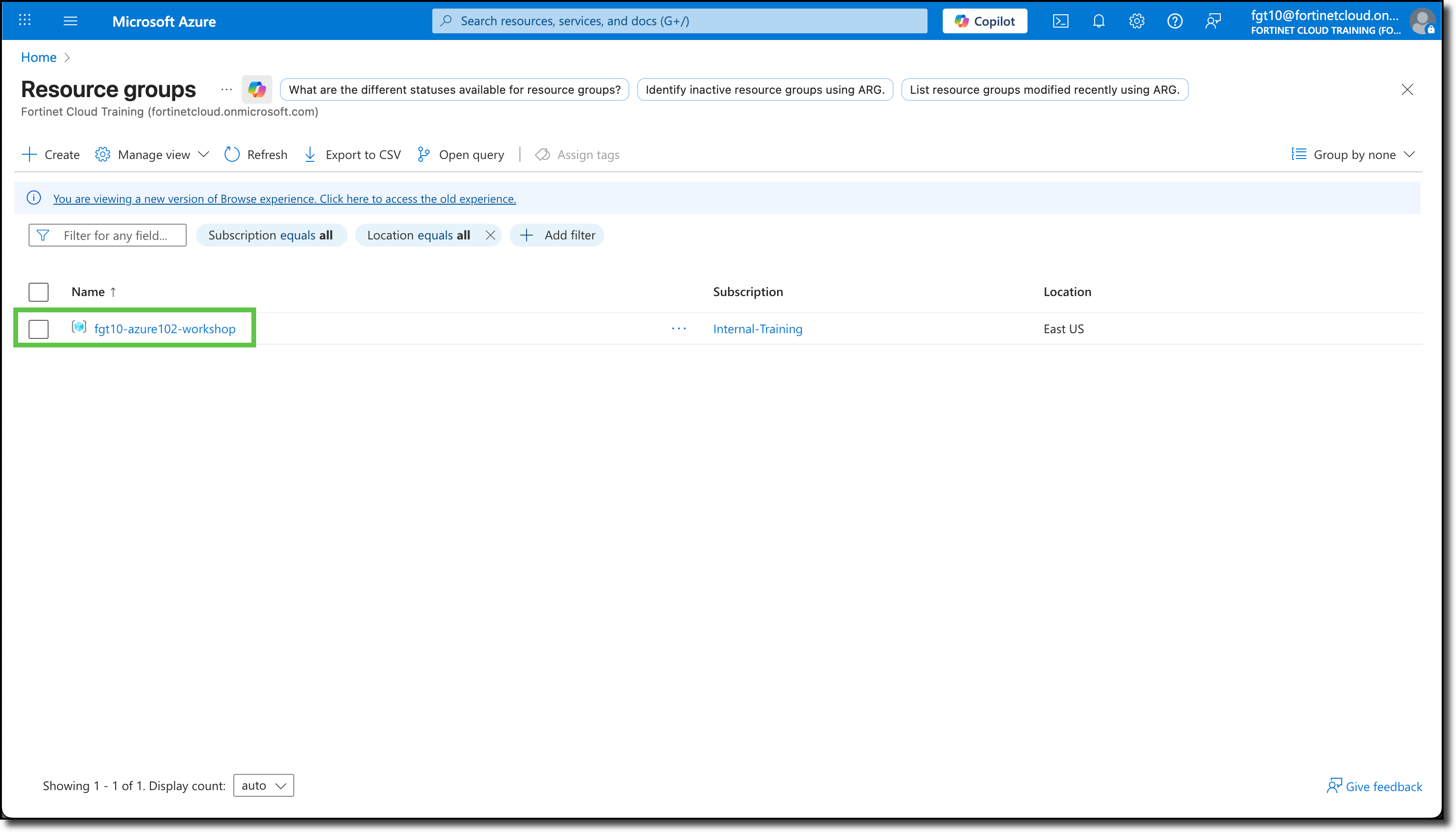
Confirm your resource group is shown - fgtXX-azure102-workshop