Task 3: Confirm Linux VMs access via FortiGate
In Task 3, you will confirm the Linux VMs are using the FortiGate NVA as their default route and that all traffic to/from the Linux VMs is going through the FortiGate.
Open Serial consoles linux-a-vm and linux-b-vm
From linux-a-vm console run
ping www.yahoo.comping 192.168.1.164<– Most likely the Private IP of linux-b-vm
Neither should respond
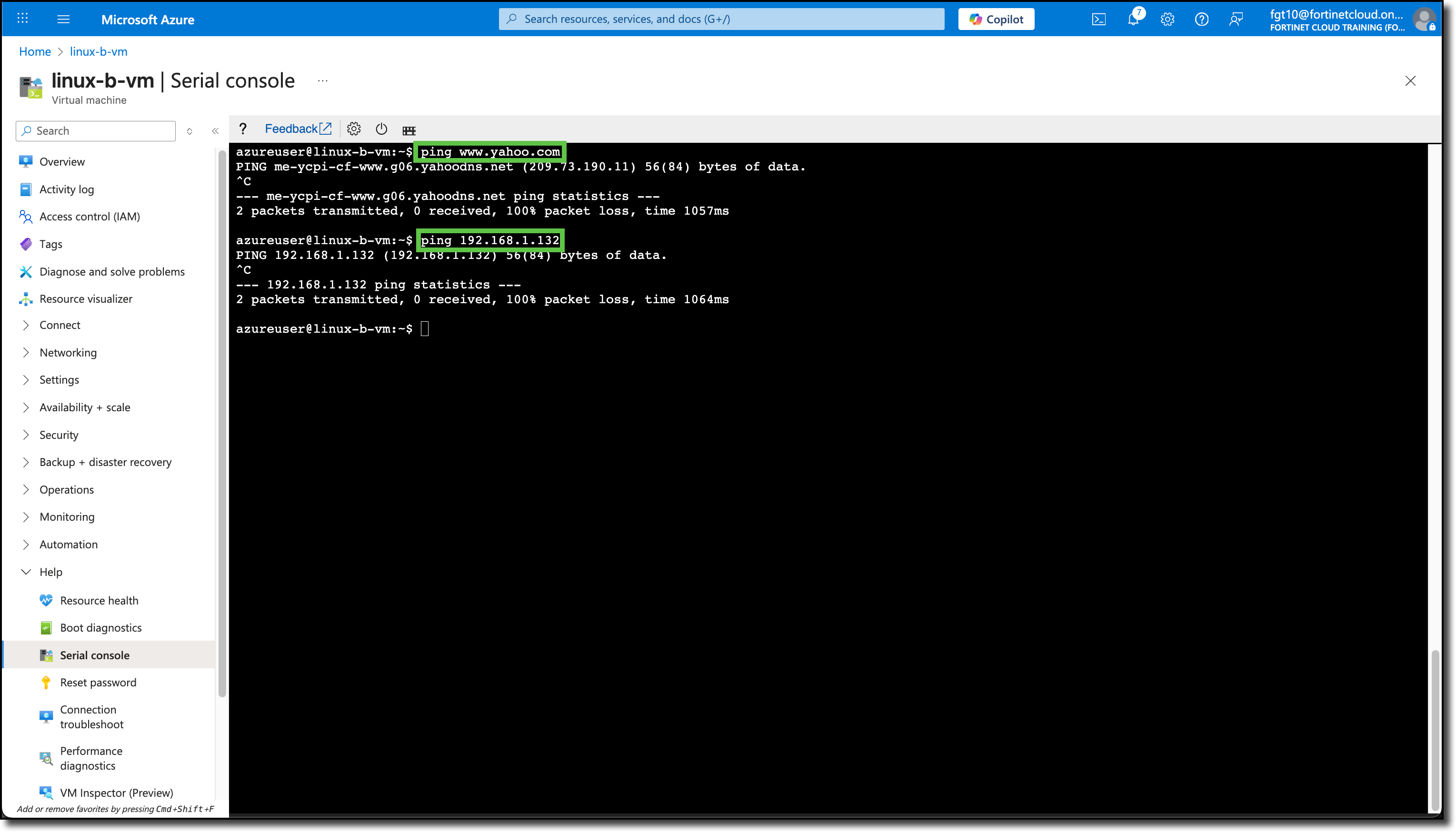
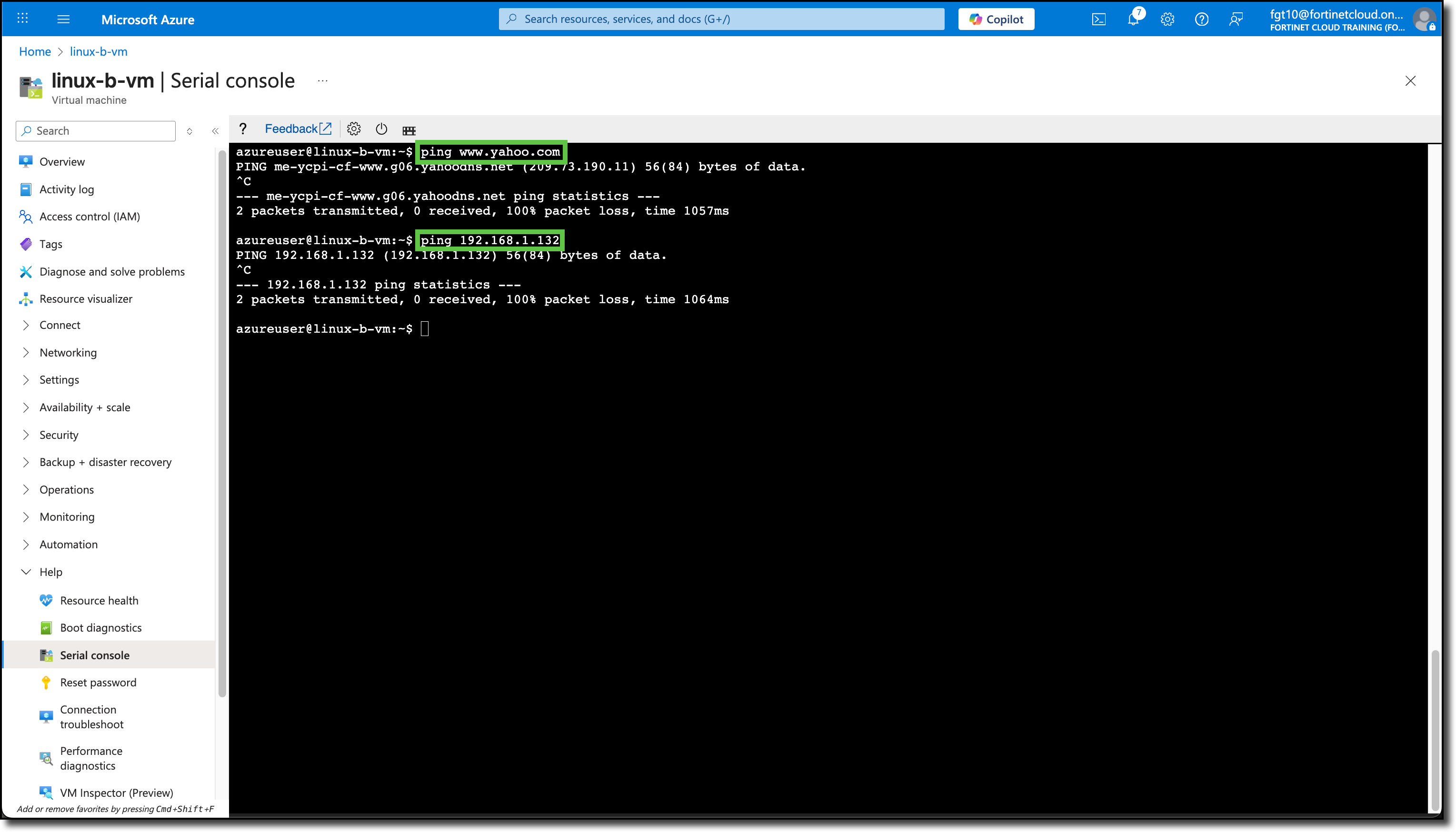
From linux-b-vm console run
ping www.yahoo.comping 192.168.1.132<– Most likely the Private IP of linux-a-vm
Neither should respond
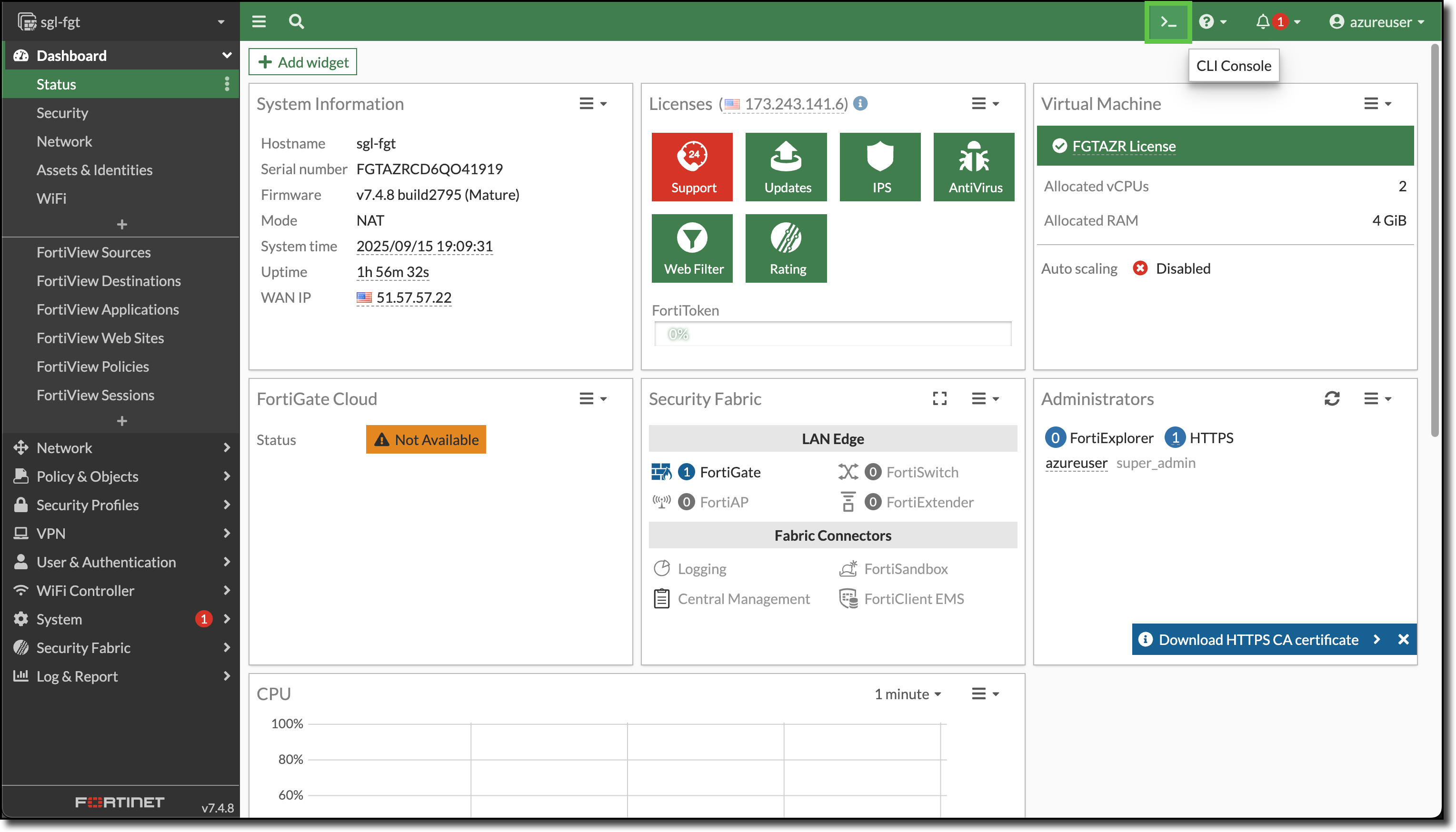
Login to the FortiGate
Open a CLI session on the FortiGate
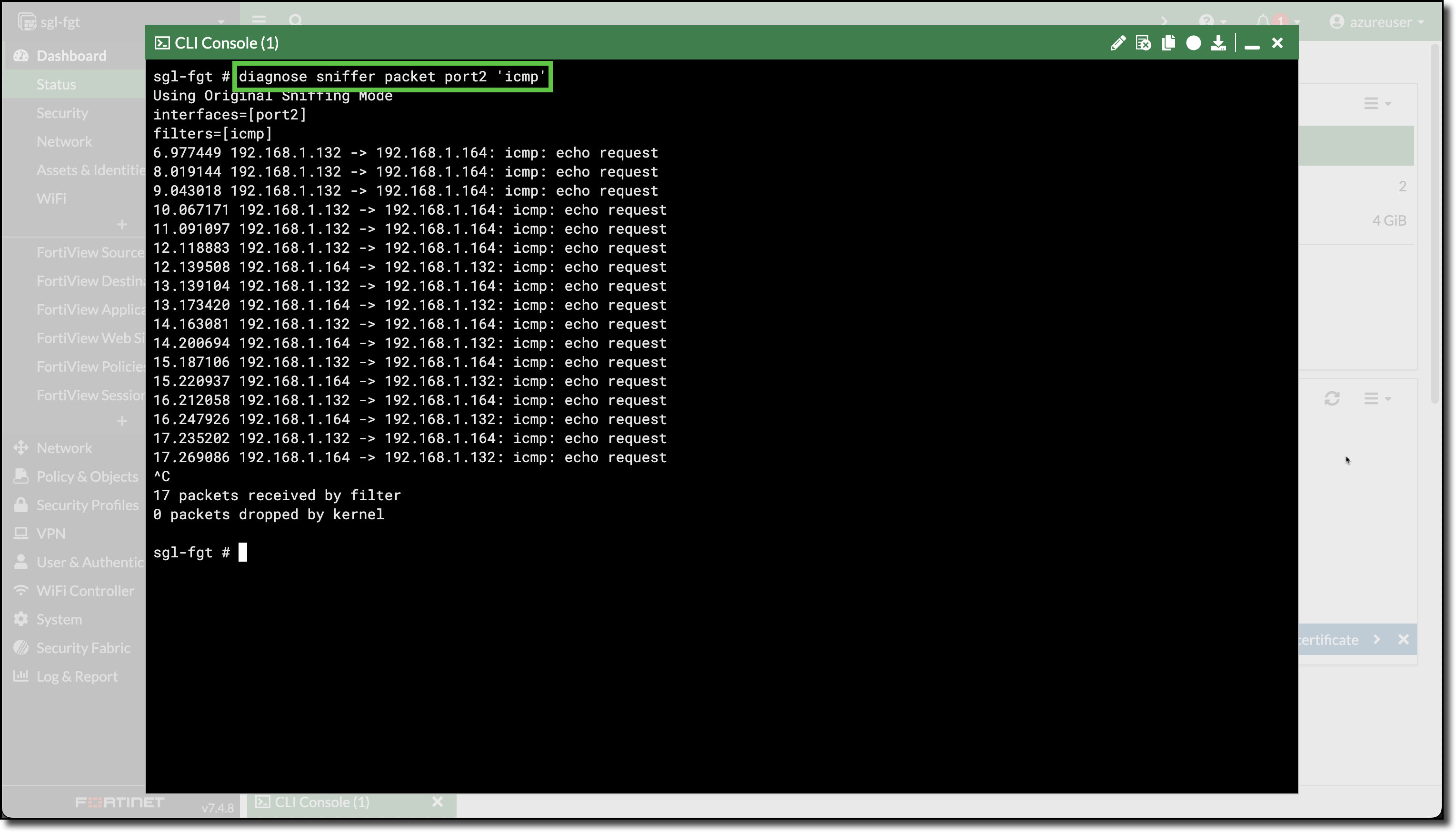
Enter the FortiGate CLI command
diagnose sniffer packet port2 'icmp'
Run steps two and three again.
The ICMP echo request traffic reaches the FortiGate, however the FortiGate does not have any policies to allow or deny the traffic.