Introduction
Welcome
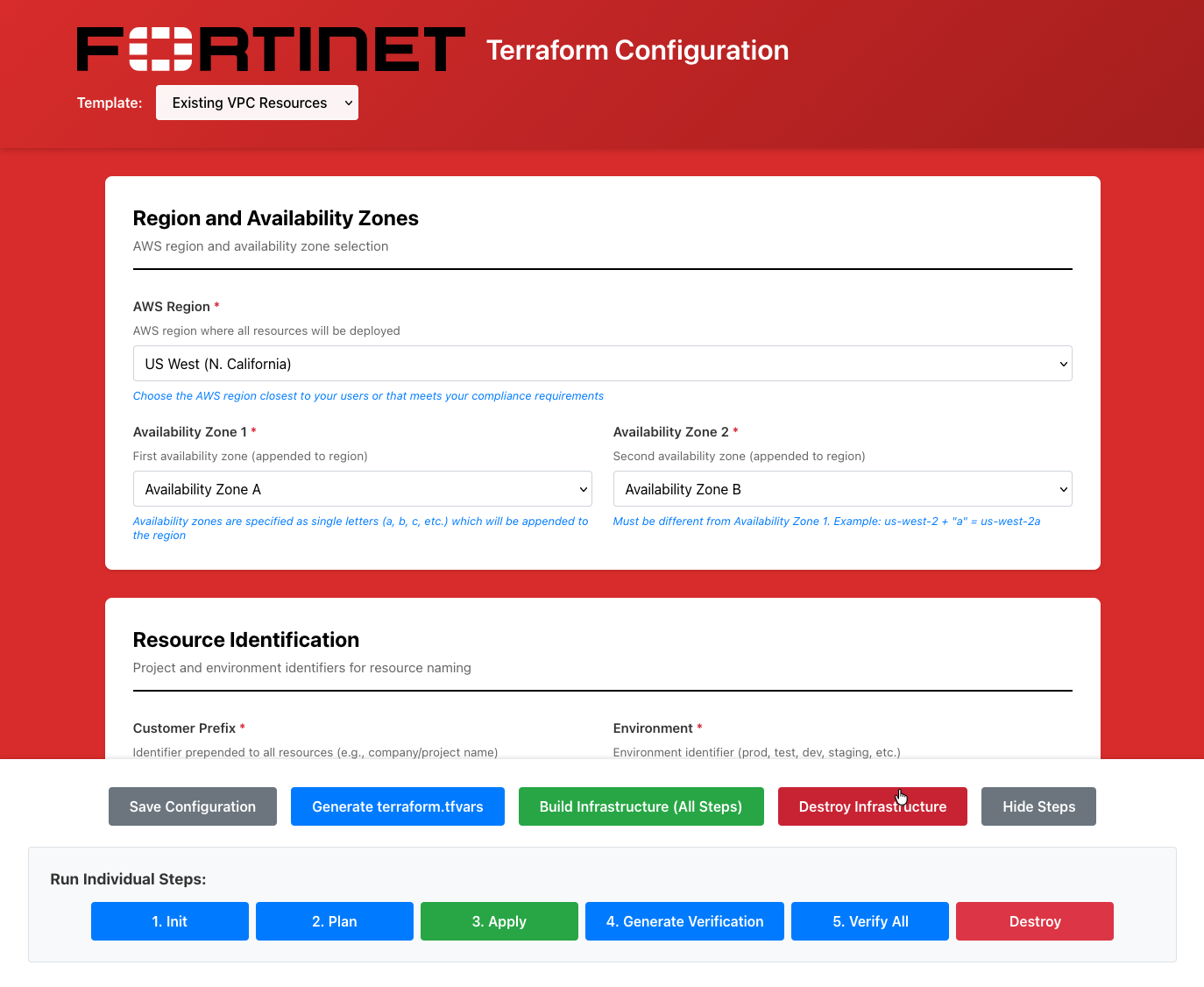
The Terraform Configuration Web UI generates terraform.tfvars files through a graphical interface. Instead of manually editing variable files, you configure deployments through dynamically generated forms.
The UI reads annotated terraform.tfvars.example files and automatically builds configuration forms. Any Terraform template with properly annotated example files can be configured through this UI.
Included Templates
This repository includes three pre-annotated FortiGate deployment templates:
| Template | Description |
|---|---|
| existing_vpc_resources | Base infrastructure: Management VPC, Transit Gateway, spoke VPCs |
| autoscale_template | Elastic FortiGate cluster with Gateway Load Balancer |
| ha_pair | Fixed Active-Passive FortiGate cluster with FGCP |
Quick Start
git clone https://github.com/FortinetCloudCSE/fortinet-ui-terraform.git
cd fortinet-ui-terraform/ui
./SETUP.sh      # First time only
./RESTART.sh
Open http://localhost:3000 and follow the Getting Started guide for AWS credential setup and template configuration.
Documentation
| Section | Description |
|---|---|
| Getting Started | UI setup and AWS credentials |
| Example Templates | Step-by-step UI configuration guides |
| Autoscale Reference | Architecture and configuration deep-dive |
| Templates | Manual Terraform and annotation reference |